 PeasyOrders
PeasyOrders vs. Zapier for B2B order capture
Should a small or mid-sized QuickBooks Online wholesale distributor build order capture on Zapier, or use a purpose-built capture tool?
Mark Calo · Updated July 2026 · 4 min read
On this page
At a glance
| Feature | PeasyOrders | Zapier |
|---|---|---|
| Primary purpose | Capture messy emailed B2B orders and turn them into reviewed, priced drafts for QuickBooks Online. | General automation: connect apps, data, and processes with triggers and actions across 9,000+ apps. |
| Reads emailed orders | Yes, out of the box. The email body plus PDF and spreadsheet attachments become drafts to review. | Possible, as something you build. Email Parser by Zapier extracts fields from emails using templates you set up, and Zaps can chain AI steps for more. |
| Handles free-form order text | Yes — it's the core job. Orders written in each customer's own words are structured, flagged where unclear, never guessed. | Not what the parser is built for: Email Parser is template-based field extraction, so it works best when emails follow a consistent format. |
| Catalog matching and per-customer pricing | Yes. Lines match against your QuickBooks items, and a pricing engine proposes each customer's price from your past invoices — you accept before it applies. | You build it. Zapier supplies the steps; the matching and pricing logic is yours to design and keep working. |
| Human review before anything is created | Yes, always. An operator confirms every draft, each value shows its source, and unresolved lines block confirmation. | Available as a generic gate: Zapier's built-in Human-in-the-Loop step pauses a Zap for an approve/decline/edit decision. |
| QuickBooks | QuickBooks Online native. Reviewed orders export as Estimates by default (configurable). Connect in about 2 minutes. | General QuickBooks actions inside Zaps — you build and maintain the flow that uses them. |
| Customer changes required | None. Customers keep emailing orders the way they always have. | None from Zapier itself — but template-based parsing rewards inputs that stay consistent. |
| Scope beyond orders | None, deliberately. Order capture is the whole product. | Its core strength: automation across 9,000+ apps — CRM, marketing, finance, internal tools, AI agents. |
| How you buy it | Self-serve at a published price — plans at $99, $199, and $349 per month by confirmed order volume, with a 30-day money-back guarantee. | Self-serve. A free-forever tier (100 tasks/month); Professional from $19.99/month; Team from $69/month; Enterprise by contact. |
The honest comparison
Zapier and PeasyOrders answer the same inbox problem from opposite directions: Zapier is a general automation platform where you build and maintain an order-capture workflow yourself; PeasyOrders is that workflow already built, for small and mid-sized US wholesale distributors on QuickBooks Online.
The overlap deserves honesty up front. Zapier can be part of a real order-capture build: Email Parser by Zapier extracts fields from emails using templates you define, Zaps can chain AI steps, there are QuickBooks actions, and a built-in Human-in-the-Loop step can pause a flow for a person's approval. This is not a "Zapier can't do it" story. The difference is who builds and owns the order logic — the parsing, the catalog matching, the pricing, the review gate — and what comes out the other end: data your Zap moves along, or an order a person has confirmed.
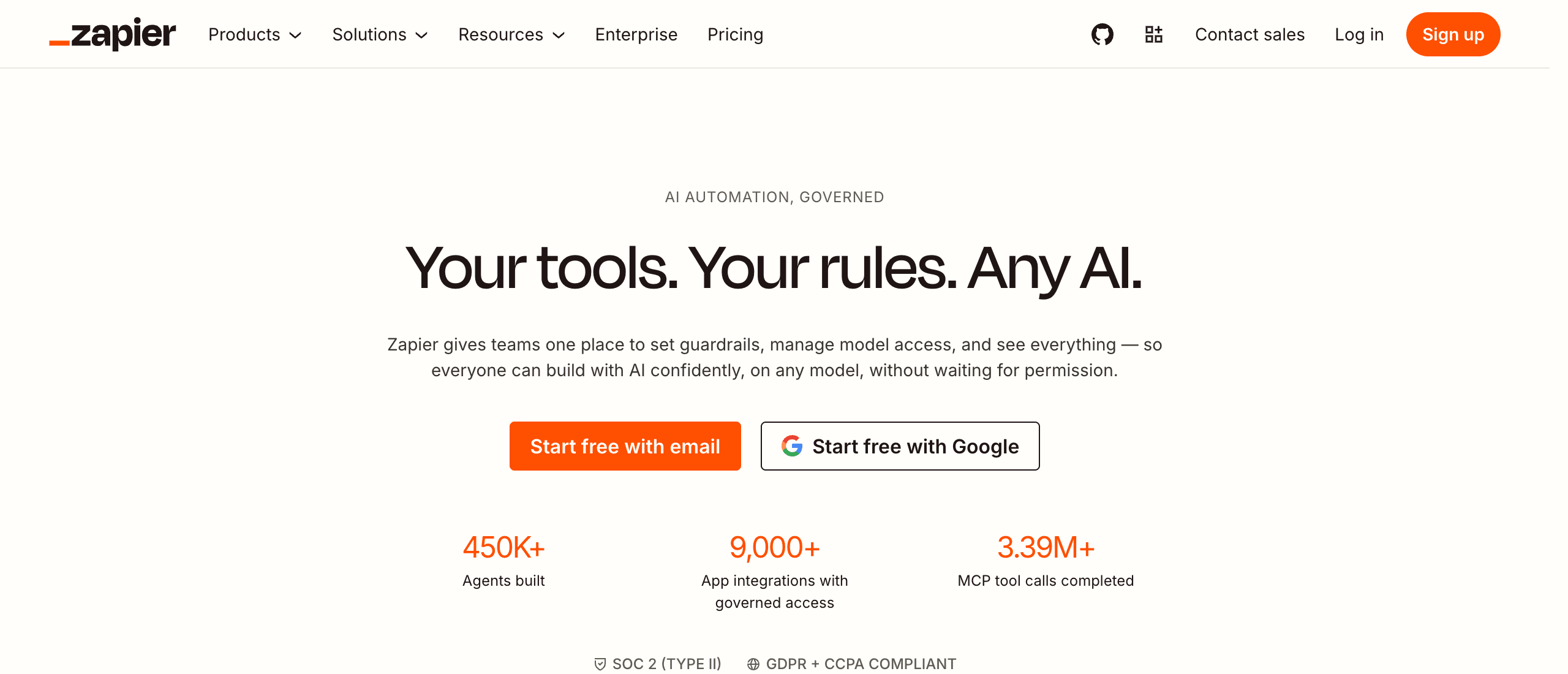
Zapier is at its best when both ends of a workflow are structured and predictable — a webform submission into a spreadsheet, a new invoice into a Slack message. B2B order intake is the opposite terrain: emails written in each buyer's own words, PDFs with inconsistent layouts, quantities that need a human call. PeasyOrders is built for exactly that messiness, and for nothing else.
Where Zapier is the right call
Zapier is a strong platform, and it's worth being clear where it wins.
- Breadth. 9,000+ app integrations — the largest catalog in the category — cover automation across your whole business, from CRM to finance to AI agents.
- Clean, structured inputs. If your order data already arrives from a webform, a webhook, or another system you control, Zapier moves it cheaply and reliably, and a dedicated capture layer is unnecessary weight.
- In-house automation skill. If someone on your team enjoys building Zaps, the trigger-and-action model is quick to learn and the free tier costs nothing to try.
- A free start. Free forever at 100 tasks a month, then Professional from $19.99 — you can prove an idea before paying.
One caution, stated fairly: for unstructured order intake, the entry price isn't the cost — the workflow is. Email Parser is template-based ("highlight and name the text in your template"), which rewards emails that look the same every time; wholesale orders rarely do. Parsing free-form orders means assembling the parser or AI steps, a catalog lookup, pricing logic, and an approval step, then keeping all of it working as customers change how they write. That build is yours to own.
The same order, two ways
Monday, 7:04 a.m., a property-services account emails: "Floor-care order as usual, but make the microfiber towels six cases this time and add one drum of the citrus degreaser — need it before Friday," with their facilities spreadsheet attached.
In Zapier, nothing happens until you've built the Zap: an email trigger, parser rules or an AI step to pull the lines, a lookup against a catalog you maintain somewhere, pricing logic for this account, and a Human-in-the-Loop gate if you've designed one in. "As usual" is the hard part — a template can't know what this account usually orders. Once built, it runs — and it's yours to adjust when the buyer's format drifts or the catalog changes.
In PeasyOrders, the same email becomes a draft in your review queue. "As usual" resolves from this account's confirmed order history; the towels and the degreaser match against your QuickBooks items; the account's pricing is applied with the rule that set it shown on each line; and every value links back to the part of the email or spreadsheet it came from. Anything unclear is flagged rather than guessed. You confirm, and the order lands in QuickBooks Online as an Estimate.
Both paths can end in QuickBooks. What differs is who owns the logic in between: you, or the product.
Zapier
Build-your-own automation
- Email Parser (template-based)
- QuickBooks actions
- Human-in-the-Loop approvals
- 9,000+ app integrations
- Triggers, actions & AI agents
PeasyOrders
The capture workflow, ready-made
Email in
You review
QuickBooks Online
When PeasyOrders is the better fit
PeasyOrders is built for small and mid-sized US wholesale distributors on QuickBooks Online whose customers send orders written in their own words. If a typical week includes re-typing line items from emailed orders and attached PDFs or spreadsheets into QuickBooks, that's the job it exists to remove.
- No Zap to build or babysit. Orders keep arriving the way they always have; email is forwarded in, and phone and texted orders are added manually in one click into the same queue.
- The pricing QuickBooks can't do. QuickBooks Online doesn't expose per-customer pricing to integrations, so PeasyOrders acts as the pricing engine: on setup it reads your past invoices once and proposes each customer's price, which you accept, adjust, or discard before it applies.
- Review you can trust. Every draft is confirmed by a person before it exports, with the source of every value visible per line, and unresolved lines block confirmation instead of slipping through.
- QuickBooks Online native. Connect in about 2 minutes; reviewed orders export as Estimates by default (configurable). Google Sheets and CSV are also supported.
- Self-serve at a published price. Plans at $99, $199, and $349 per month by confirmed order volume, annual billing gets two months free, and every plan carries a 30-day money-back guarantee.
A pragmatic conclusion
The question isn't which tool is more capable — Zapier can automate almost anything, and PeasyOrders automates exactly one thing. It's whether you want to build the order-capture workflow or buy it finished. If your inputs are clean and your needs span many automations, Zapier on its own is likely enough, and many teams will keep it either way for everything around the order. If the messy emailed order is the actual bottleneck, PeasyOrders is that workflow — capture, catalog match, per-customer pricing, human review, and a QuickBooks Online Estimate — with nothing to wire up.
When to choose PeasyOrders
- Your orders arrive as free-form emails with PDF or spreadsheet attachments, and you want them captured, priced, and reviewed without building or maintaining a Zap.
- You run on QuickBooks Online and want reviewed orders to land as Estimates with each customer's pricing already applied — the per-customer pricing QuickBooks Online's API doesn't expose to any integration.
- Nobody on your team wants to own an automation that needs adjusting when a customer changes how they write their orders.
- You want a review queue with per-line provenance, not a workflow editor.
When to choose Zapier
- Your order data already arrives structured — a webform, a webhook, a clean export — and mostly needs moving, not interpreting.
- You need automation across many domains — CRM, marketing, finance, internal tools — and someone in-house enjoys building and maintaining Zaps.
- You want maximum reach: 9,000+ app integrations and a free tier to start from.
- Order capture is one small workflow next to your broader automation needs.
Frequently asked questions
Is PeasyOrders a Zapier competitor?
Only at one narrow intersection. Zapier is a general-purpose automation platform connecting 9,000+ apps; PeasyOrders does exactly one job — turning messy emailed B2B orders into reviewed, priced QuickBooks Online Estimates. They compete only if you're deciding whether to build order capture yourself on Zapier or buy it as a finished product.
Can Zapier read emailed orders?
Yes, as something you build. Email Parser by Zapier extracts fields from emails — you highlight and name the text in a template, and the same rules apply to later emails — and Zaps can add AI steps beyond that. What Zapier doesn't hand you is the finished order workflow: the catalog matching, the per-customer pricing, the review step, and the QuickBooks handoff are logic you design and maintain. PeasyOrders is that workflow as a product.
Does Zapier have human review?
Yes — Zapier ships a built-in Human-in-the-Loop step that pauses a Zap so a person can approve, decline, or edit before it continues. It's a generic approval gate you place in a flow you've built. PeasyOrders' review is a purpose-built order workspace: every draft shows the source of each value line by line, ambiguous items are flagged rather than guessed, and unresolved lines block confirmation.
How does pricing compare?
Zapier publishes a free-forever tier (100 tasks per month), Professional from $19.99 per month, Team from $69, and Enterprise by contacting sales. PeasyOrders runs $99, $199, and $349 per month by confirmed order volume — 200, 600, and 1,500 confirmed orders with 3, 6, and 12 users — every feature on every plan. You get warnings at 70% and 90% of quota, and at 100% only new confirmations pause; intake keeps working. For order capture specifically, the bigger difference is usually the build and maintenance time, not the subscription.
Does PeasyOrders have a free trial?
No free trial — there's a 30-day money-back guarantee instead. Zapier's free tier lets you test a Zap before paying, which is genuinely useful; PeasyOrders' equivalent is the first month on your real orders, at full capability, covered by the guarantee.
Can I use Zapier and PeasyOrders together?
Yes, and it's a sensible split. PeasyOrders owns the capture step — reading the emailed order, matching your catalog, pricing per customer, review, and export to QuickBooks Online, Google Sheets, or CSV — and Zapier automates everything around it, from notifications to CRM updates. They meet cleanly at the exported order.
Does PeasyOrders replace QuickBooks?
No. PeasyOrders complements QuickBooks Online by delivering reviewed, priced order drafts as Estimates by default (configurable); it isn't an accounting system and never posts invoices or payments. If QuickBooks Online ever disconnects, you keep working — export pauses with 1-click re-auth, and Google Sheets export continues. QuickBooks Desktop is not supported.
What does Zapier do that PeasyOrders doesn't?
Almost everything else, by design. Zapier connects 9,000+ apps and automates workflows across your whole business, including AI agents and approval steps. PeasyOrders does one job — order capture for QuickBooks Online wholesalers — and doesn't try to be an automation platform.
Related pages
- GuideBest B2B order management software
- Use caseHow to automate email orders to QuickBooks Online
- IntegrationPeasyOrders + QuickBooks Online integration
- GuideAlternatives to Zapier for orders
- AutomationWhy Zapier breaks on B2B orders (and what to use instead)
- ComparisonPeasyOrders vs. Make
- ComparisonPeasyOrders vs. n8n